
iClassPro guides
How to book matchplay tournaments in the iClassPro app
By in2tennis admin ·


- 1
Download the iClassPro app and log in
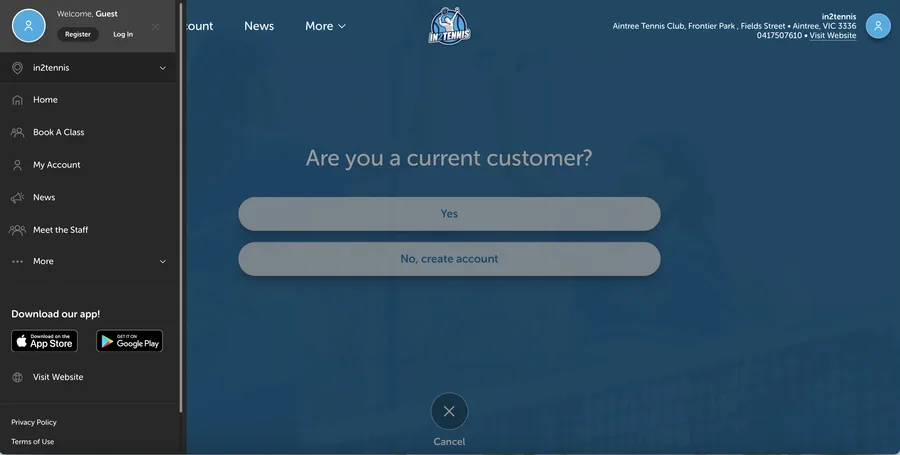
Search for “The iClass Pro” in the App Store or Google Play. New users: create an account with “in2tennis” as the organisation name. Existing users: log in with your current credentials.
- 2
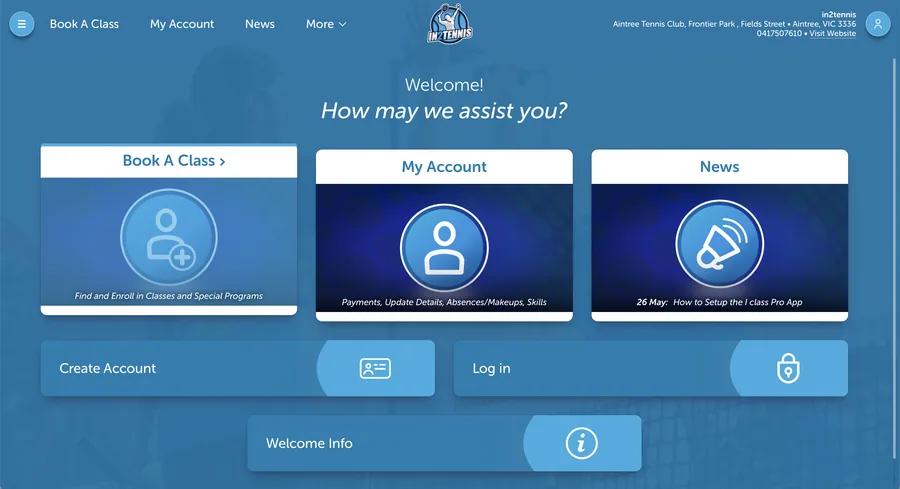
Go to Book a Class
Tap the Book a Class tab to see all upcoming events and classes.
- 3
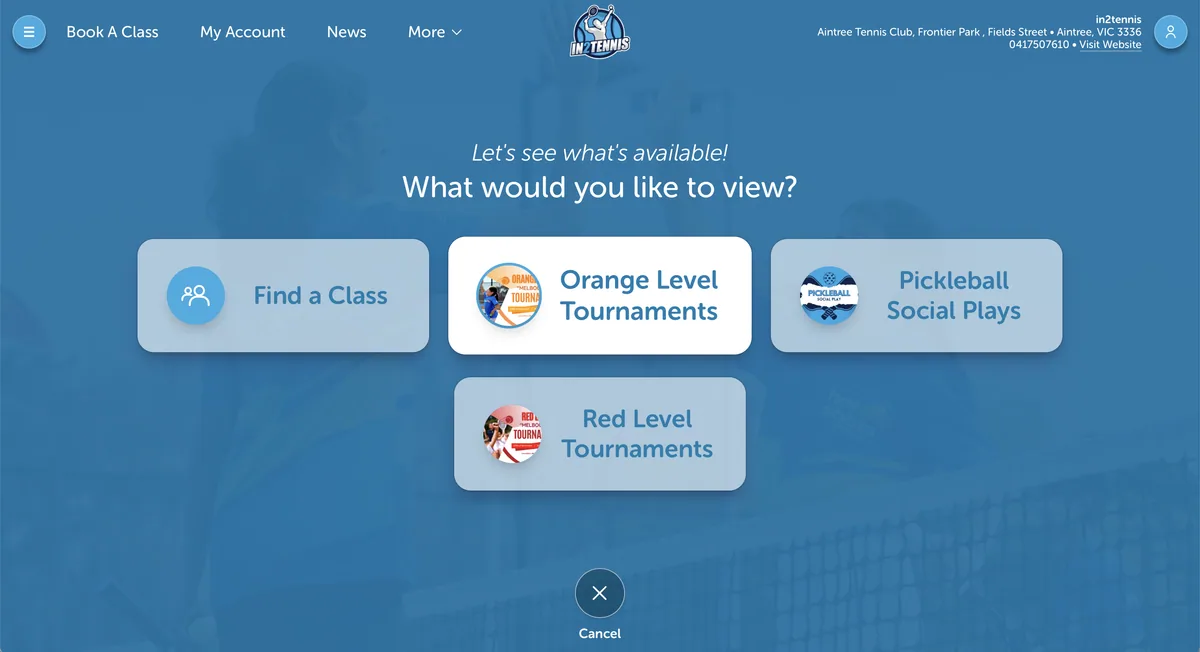
Select the tournament
Tap the level your child is currently in, Red or Orange. Please make sure to book the correct level.
- 4
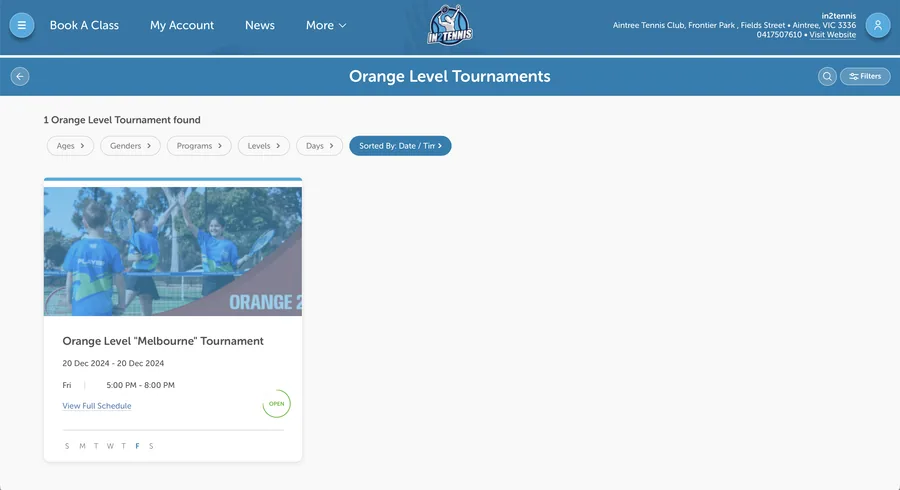
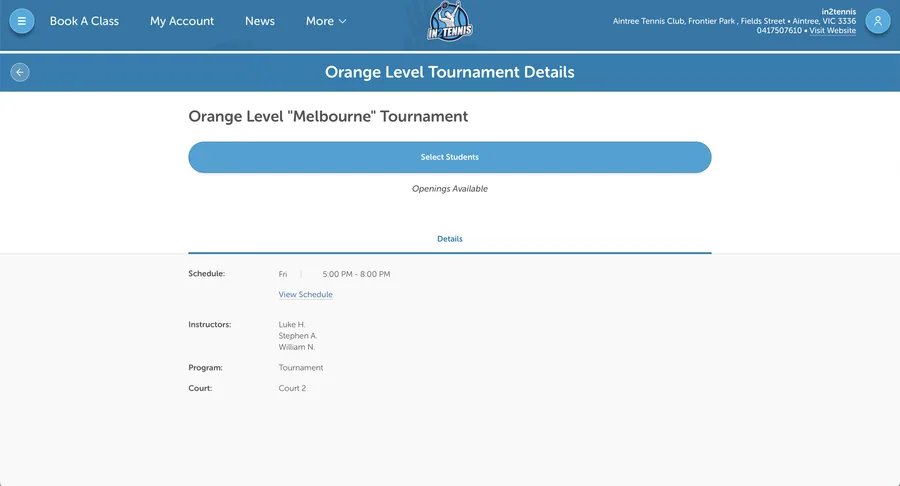
Tournament information
Here you'll see the date, time and what to expect at the tournament.
- 5
Book your spot and complete the booking
Click Select Students to choose who to enrol. Please process the payment, as the booking is only valid once paid. You can check your bookings in the My Schedule tab.
If you encounter any issues booking, reach out and let us know so we can assist you. Happy playing!